Your displays, in sync
Developed by Hybris Studio, Studio Control brings volume, brightness and Dock tools together in your Mac’s menu bar. Designed and tested with two Apple Studio Displays, it keeps your existing audio setup.
Requires macOS 14 or later. Universal app for Apple Silicon and Intel. Hardware testing was performed on an Apple Silicon Mac with two Studio Displays; other configurations may vary.
Download Studio Control for Mac
Version 1.0.261025.12 · .dmg · Free and open source — MIT License · … downloads
Installation and first launch instructions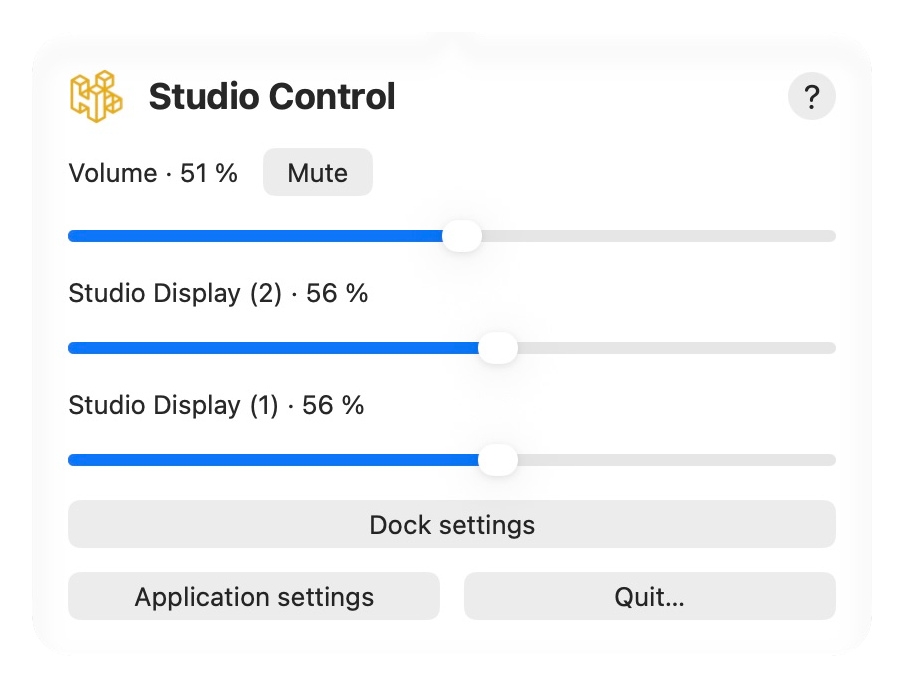
Main features
One volume control for both displays
Use the menu bar or keyboard to adjust both compatible outputs, mute them and restore their previous levels. Both audio outputs must support volume adjustment.
Sound continues through your usual Audio MIDI device. Studio Control adjusts both outputs without changing your stereo setup.
Individual or synchronized brightness
Adjust each display separately or synchronize both with the keyboard. Shared brightness keys require exactly two external displays. Hold Option and Shift for 1% steps.
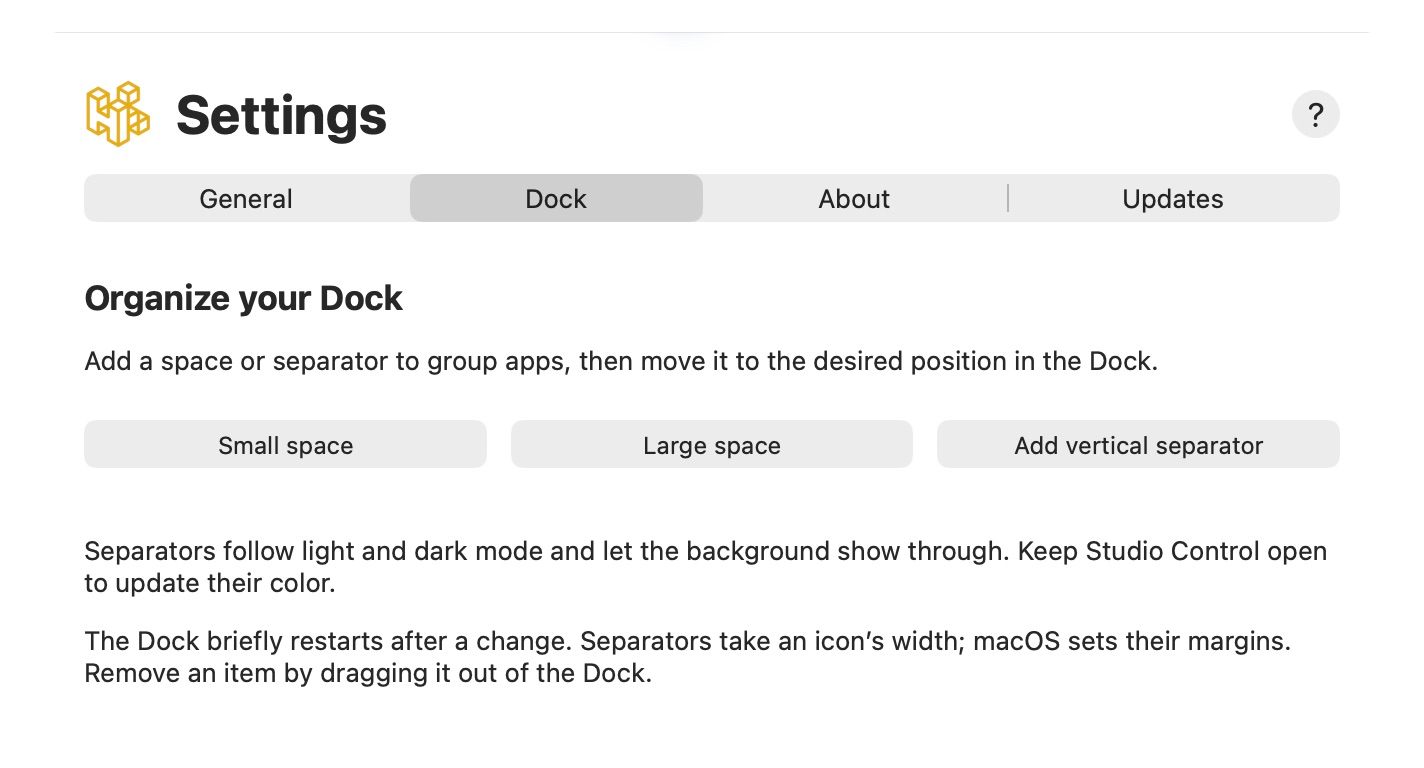
Organize your Dock
Add a space or separator to group apps, then move it to the desired position in the Dock.
The Dock briefly restarts after a change. Separators take an icon’s width; macOS sets their margins. Remove an item by dragging it out of the Dock.
Other displays
For displays without native control: dims the image without changing the backlight. Volume requires two adjustable audio outputs. Hardware DDC/CI control is not included.
Compatibility depends on the display model. Software dimming works only while the app is running and may be limited with HDR or exclusive full-screen content.
Always available in the menu bar
Click the two-display icon for quick controls. Closing settings leaves the app running; use Quit to stop it. Light and dark mode follow macOS. Launch at login is enabled on first launch from Applications and can be disabled in General.
Choose your application language
Eight languages are available: English, French, Dutch, German, Italian, Spanish, Portuguese and Russian. General settings offer Automatic (macOS) or a saved manual choice. Restart the app to apply it. The website language does not change your Mac or application language.
Updates
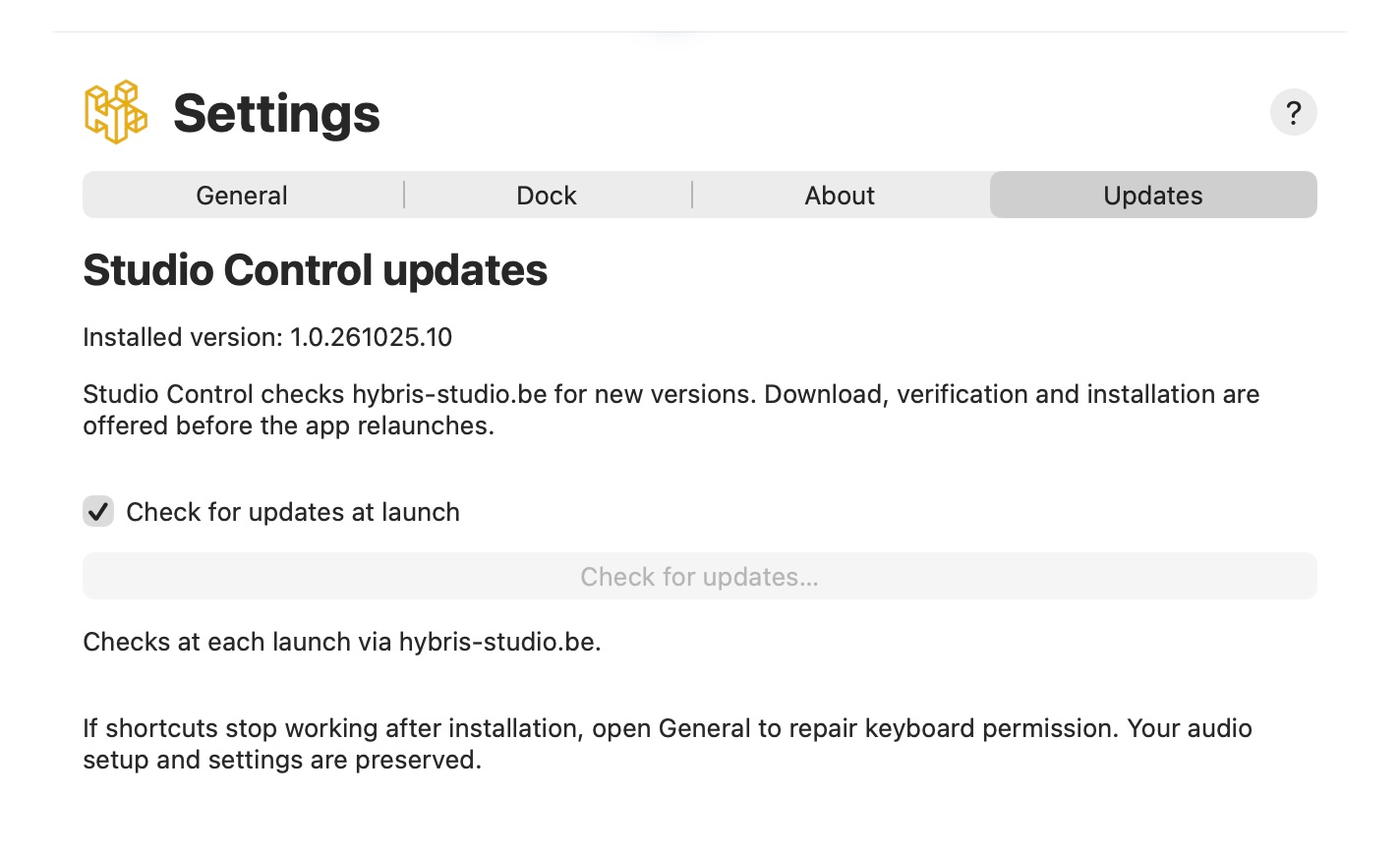
The application checks for updates at launch. You can also check manually in Settings → Updates. The website download always points to the latest published release.
Installation
- Download the DMG, open it and drag Studio Control to Applications. Quit any older version before replacing it.
Download Studio Control for Mac (.dmg) - Launch the installed copy from Applications, follow the first-launch instructions below, then eject the installation disk. A French startup guide is also included in the DMG.
First launch: macOS approval
This release is signed locally, without an Apple Developer ID certificate or notarization. macOS may block the first launch because the developer is unidentified. If you downloaded it from this website and wish to open it:
- Try opening Studio Control from Applications, then close the warning.
- Open System Settings → Privacy & Security. Find Studio Control in the Security section and choose Open Anyway.
- Confirm and authenticate if requested. You do not need to disable your Mac’s security protections. If the button has disappeared, try opening the app again.
If the alert mentions malware or a damaged application, stop and contact us. The steps above concern developer identification only.
Keyboard shortcuts
Accessibility permission enables volume, mute and brightness keys. Hold Option and Shift for 1% steps.
Enable Studio Control in System Settings → Privacy & Security → Accessibility. If missing, add the installed application using +. This permission is separate from first-launch approval. After an update, if keys stop responding, use General → Repair permission after an update, then enable it again in macOS.
Prepare your two audio outputs
If sound already plays correctly through both displays, keep your setup. Otherwise, open Audio MIDI Setup, choose + → Create Multi-Output Device, select both outputs and choose that device as the macOS sound output. Studio Control does not create or change audio devices for you.
A problem or an idea?

Free and open source — MIT License
Send your feedback with your macOS version, display models, Studio Control version and the steps to reproduce the problem. Developed by Hybris Studio SRL, Raphaël Mercier.
Send feedback
© 2026 Tous droits réservés - Hybris Studio srl